Title:
Meta description (optional): Learn storyboarding from concept to animatic. This practical guide covers techniques, tools, templates, and pro tips to master visual storytelling for film, animation, UX, and marketing.
Introduction
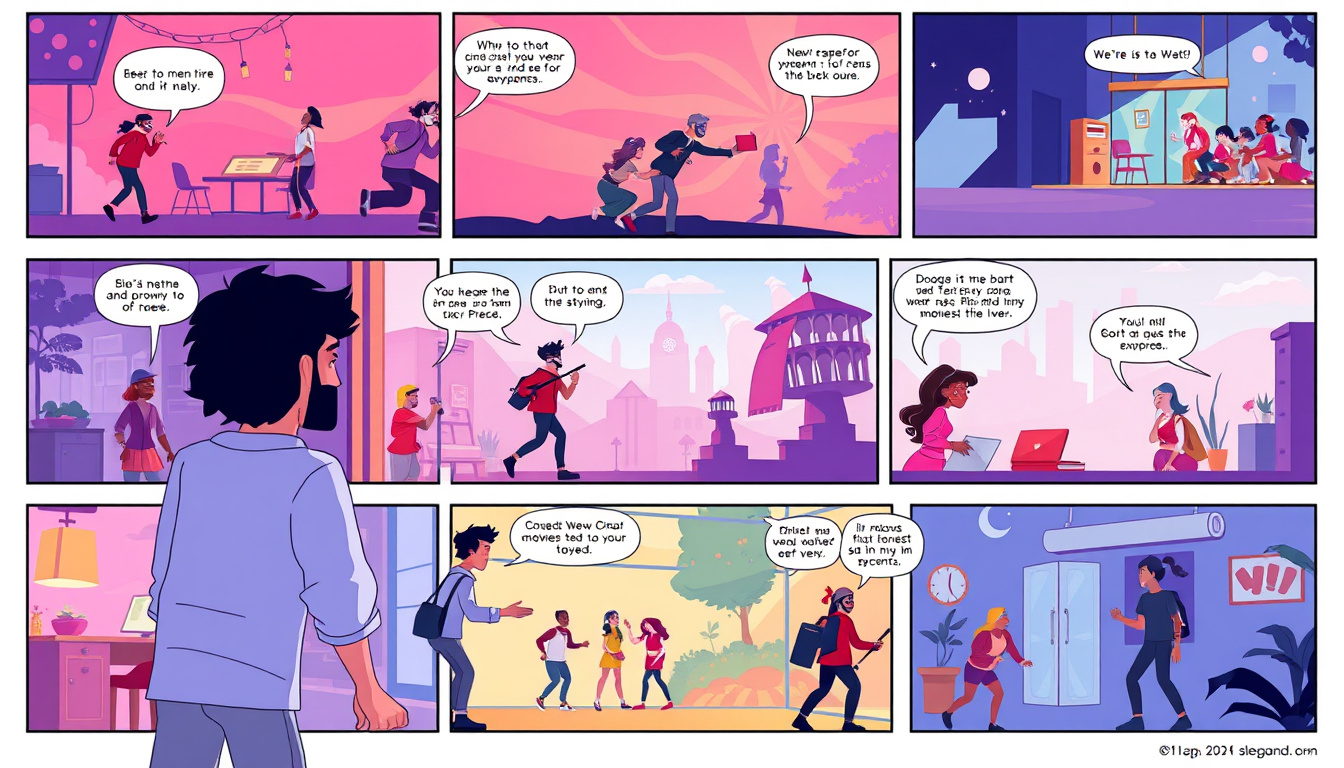
Storyboarding is the blueprint of any visual story — the step that turns ideas into a clear sequence of images, camera moves, and timing. Whether you’re making a film, designing an animation, planning a commercial, or mapping a user flow, a well-crafted storyboard saves time, improves communication, and strengthens storytelling. This guide walks you through the storyboarding process, best practices, tools, and common pitfalls so you can create clear, compelling visual narratives.
Why Storyboarding Matters
- Clarifies vision: Storyboards translate abstract ideas into concrete frames everyone on the team can understand.
- Improves planning: Spot continuity issues, pacing problems, or technical challenges before production begins.
- Saves money and time: Less rework during shooting/animation because decisions are made earlier.
- Facilitates collaboration: Serves as a shared reference for directors, cinematographers, editors, and clients.
Types of Storyboards
- Thumbnail storyboards: Quick, rough sketches to explore composition and flow.
- Detailed storyboards: Larger drawings with notes on dialogue, camera moves, and timing.
- Animatics: A timed sequence of storyboard frames with temporary sound — useful for pacing.
- Shot lists/boards: More technical, focusing on equipment, lenses, and shot parameters.
- UX & product storyboards: Visualize user journeys, interactions, and interface transitions.
The Storyboarding Process: Step-by-Step
- Define the goal and scope
- What story or user experience are you telling? Who is the audience? Decide length and level of detail needed.
- Break the project into beats
- Identify key moments or actions that move the story forward. These are your storyboard frames.
- Create thumbnails
- Sketch small, fast frames to establish composition, framing, and continuity. Focus on clarity, not artistry.
- Add camera directions and notes
- Indicate camera moves (pan, tilt, dolly), shot types (close-up, wide), and important audio cues or dialogue.
- Build detailed boards
- Flesh out selected thumbnails into larger frames with clearer drawing, annotations, and timing estimates.
- Assemble an animatic (optional but recommended)
- Combine frames in sequence with rough timing and temp audio to test pacing and narrative flow.
- Review and iterate
- Gather feedback from collaborators, revise for clarity, and finalize.
Key Elements to Include in Every Board
- Frame number and scene title
- Visual composition (sketch or image)
- Camera direction and movement
- Action description (what characters or objects do)
- Dialogue or sound cues
- Timing or shot duration
- Notes for continuity, special effects, or props
Storyboarding Tips for Strong Visual Storytelling
- Start with the purpose of each shot: every frame should advance plot or emotion.
- Use simple shapes and stick figures if needed — clarity beats detail.
- Show camera intent: arrows or short labels make movement obvious.
- Maintain continuity: watch eyelines, props, and spatial geography between shots.
- Think in beats: group frames into actions that naturally flow.
- Focus on contrast and visual hierarchy to make the important element clear.
- Use thumbnails to iterate rapidly; only refine frames you commit to.
- Annotate for sound and timing early if rhythm matters (e.g., comedy or action).
- Test the sequence as an animatic to catch pacing issues before production.
Tools for Storyboarding
- Paper & pencil: Fast, tactile, and ideal for early ideation.
- Digital drawing apps: Procreate, Photoshop, Clip Studio Paint for detailed boards.
- Dedicated storyboard apps: Storyboarder (free), Toon Boom Storyboard Pro, FrameForge.
- Collaboration tools: Figma, Miro, Google Slides or Docs for remote teams.
- Video editing for animatics: Premiere Pro, DaVinci Resolve, Final Cut Pro.
Common Mistakes and How to Avoid Them
- Overdrawing every frame: Spend time where it matters; use thumbnails for exploration.
- Neglecting timing: Without timing, you risk pacing issues. Use animatics early.
- Skipping camera direction: Without clear camera intent, the production team guesses.
- Ignoring continuity: Create simple maps of the set or location to keep spatial consistency.
- Not involving stakeholders: Early reviews prevent last-minute rewrites and misaligned expectations.
Storyboarding for Different Projects
- Film & TV: Emphasize shot composition, actor blocking, and camera movement.
- Animation: Focus on key poses, acting, and timing for in-betweens.
- Advertising & Marketing: Highlight product and message clarity, strong opening and CTA.
- UX/Product: Show user actions, screen states, and transitions; include annotations for interaction.
- Training & Explainer Videos: Prioritize clarity of instruction and sequential logic.
Sample Quick Checklist Before Finalizing a Storyboard
- Does every frame serve a purpose?
- Is the action and camera intent clear?
- Are eyelines and continuity correct between shots?
- Have sound cues and timing been considered?
- Has the storyboard been reviewed by key collaborators?
Practice Exercises to Improve Your Storyboarding
- Re-storyboard a short scene from a favorite movie in five frames.
- Create a one-minute animatic of a simple idea (e.g., making coffee).
- Storyboard a user task in an app (login, purchase flow, profile update).
- Time yourself: 10 thumbnails in 10 minutes — focus on storytelling, not art.
Conclusion
Mastering storyboarding is less about drawing skill and more about visual thinking. With disciplined process, clear notes, and iterative testing through animatics, you can translate ideas into actionable blueprints that guide production and sharpen storytelling. Whether you’re a filmmaker, animator, marketer, or product designer, strong storyboarding improves collaboration, saves resources, and elevates the final work.
Call to action
Start small: sketch three thumbnails for a short scene today. If you want, I can provide a printable storyboard template, a simple animatic workflow, or critique a storyboard you’ve made — tell me which and I’ll help.
Try this workflow today, Writer Link AI and Write Easy provide smart outputs with a natural voice. Get started with a free plan at