Meta description:
Learn how to build and run editorial calendars that boost consistency, engagement, and ROI. Practical templates, tools, workflows, and measurement tips for marketers and content teams.
Introduction
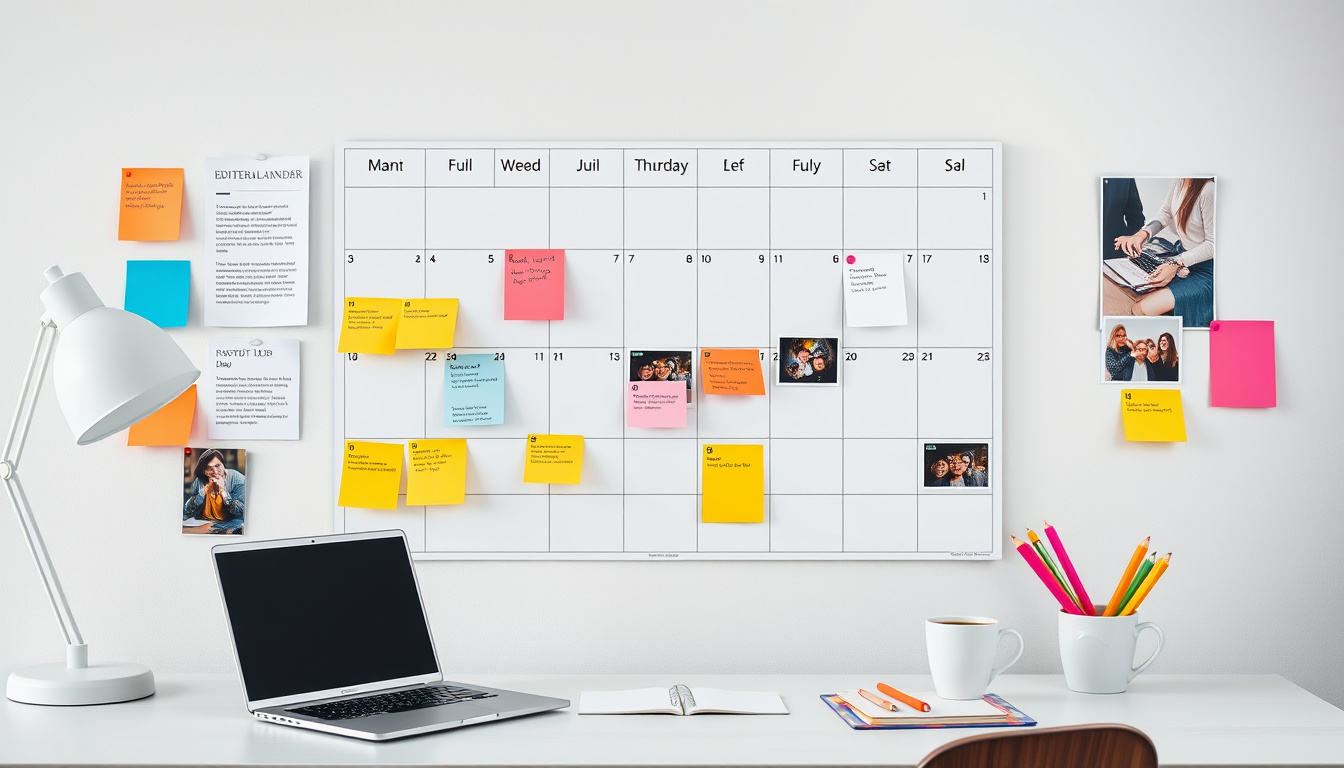
Consistency and relevance are the cornerstones of content marketing success. Editorial calendars turn strategy into repeatable execution—aligning topics, timing, and teams so you publish the right content for the right audience at the right time. This guide breaks down everything you need to design and maintain editorial calendars that increase audience engagement, improve SEO, and simplify team workflows.
Why editorial calendars matter
- Promote consistency: Regular publishing builds audience trust and signals relevance to search engines.
- Improve planning: Calendars let you map content to campaigns, seasonal events, product launches, and trends.
- Increase efficiency: Assigning owners, deadlines, and assets reduces last-minute work and bottlenecks.
- Enhance measurement: When content is tracked by date, channel, and goal, performance insights are easier to generate and act on.
Core components of an effective editorial calendar
Every editorial calendar should capture essential details that turn ideas into published content:
- Publish date and time
- Content title (or working title)
- Content type (blog, video, podcast, email, social, whitepaper)
- Content pillar / topic cluster
- Target audience/persona
- Primary keyword and SEO notes
- Assigned owner and contributors
- Status (idea, drafting, editing, scheduled, published)
- Assets needed (images, video, briefs)
- Distribution channels and promotion plan
- CTAs and conversion goal
- Performance metrics to track (traffic, engagement, leads)
Step-by-step: Build your editorial calendar
-
Audit and define goals
- Review existing content: what performs, what gaps exist.
- Define business goals (brand awareness, leads, sales) and KPIs.
-
Identify audience and content pillars
- Select 3–6 core pillars mapped to audience needs and business objectives.
- Use pillar pages and topic clusters to support SEO and internal linking.
-
Choose cadence and channels
- Decide frequency for each channel (e.g., 2 blog posts/week, 3 social posts/day).
- Consider team capacity and quality over quantity.
-
Create the calendar structure
- Use a tool that fits your team (spreadsheet for simplicity; Airtable, Notion, Trello, Asana, CoSchedule for advanced workflows).
-
Populate with ideas and schedule
- Fill in evergreen topics, seasonal pieces, and campaign-driven content.
- Assign owners, set deadlines, and add SEO/brief notes.
-
Produce, publish, and promote
- Follow your editorial workflow: brief → draft → review → finalize → publish → promote.
-
Measure and iterate
- Review performance weekly/monthly.
- Adjust cadence, topics, and promotion based on data.
Content planning best practices
- Map keywords to intent: Assign one primary keyword per piece and align it with user intent (informational, navigational, transactional).
- Repurpose: Turn a webinar into a blog series, social posts, and an email campaign to multiply reach.
- Balance evergreen vs. timely: Evergreen content sustains long-term traffic; timely content captures trends.
- Prioritize high-impact formats: Long-form guides, how-tos, and tools often perform best for SEO and lead capture.
- Build editorial themes: Monthly or quarterly themes help coordinate across channels and campaigns.
Workflow, roles, and approvals
A clear workflow reduces confusion:
- Idea generation: Content strategist or marketing lead
- Briefing: Owner prepares creative and SEO brief
- Creation: Writer/producer creates first draft
- Review: Editor checks tone, facts, SEO, and compliance
- Design/Assets: Designer supplies visuals
- Scheduling: Content manager publishes and queues distribution
- Promotion: Social/email/paid teams execute promotion plan
Tools and templates
- Simple: Google Sheets or Excel — fast and shareable.
- Lightweight project boards: Trello, Notion — cards for each piece with checklists.
- Full-featured: Asana, Monday.com, Airtable, CoSchedule — workflows, calendars, automations.
- SEO integration: SEMrush, Ahrefs, or Moz — keyword research and tracking.
- Editorial proofing: Grammarly, Hemingway, or built-in CMS editors.
Sample editorial calendar template (copy-paste starter)
Date | Channel | Title | Content Type | Pillar | Owner | Status | Primary Keyword | Assets | Publish Time | Promotion Plan
2026-05-05 | Blog | How to Build an Editorial Calendar | Blog | Content Strategy | A. Lee | Draft | editorial calendars | Cover image, checklist | 09:00 | Email + LinkedIn + Twitter
Measuring success: KPIs to track
- Publishing cadence adherence (planned vs. published)
- Organic traffic and keyword rankings
- Engagement: time on page, bounce rate, social shares, comments
- Conversion metrics: leads, sign-ups, product trials
- Content ROI: revenue influenced or cost-per-lead by content piece
Common mistakes to avoid
- No alignment with business goals — content becomes busywork.
- Overloading the schedule beyond team capacity — quality slips.
- Skipping promotion — great content needs distribution to perform.
- Failing to tag or categorize content — hurts measurement and reuse.
- Ignoring repurposing — missing opportunities to amplify reach.
30/60/90-day editorial calendar launch checklist
First 30 days:
- Audit existing content and identify gaps
- Define pillars and cadence
- Choose tool and create template
Next 30 days (60-day mark):
- Populate calendar with 2–3 months of ideas
- Assign owners and write briefs
- Publish initial pieces and test workflows
Next 30 days (90-day mark):
- Review performance, refine cadence and topics
- Optimize high-potential pieces for SEO and conversions
- Scale promotion and repurposing efforts
FAQs
Q: How far in advance should I plan my editorial calendar?
A: Plan at least 1–3 months ahead for core content; ideate seasonal and campaign content 6–12 months ahead when possible.
Q: How often should I update the calendar?
A: Update continuously — a weekly check for upcoming items and a monthly review for strategy adjustments work well.
Q: Who should own the calendar?
A: Ideally a content or editorial manager who coordinates strategy, production, and analytics.
Conclusion
Editorial calendars are the backbone of an effective content strategy. They bring clarity, consistency, and measurability to content operations. By defining pillars, using the right tools, establishing workflows, and measuring outcomes, you’ll produce content that engages audiences and drives business results. Start small, iterate fast, and treat your editorial calendar as a living document that grows with your goals.
Want a ready-to-use template? Copy the sample row above into a Google Sheet or your tool of choice and expand it by pillar and channel to match your goals.
Try this workflow today, Writer Link AI and Write Easy provide smart outputs with a natural voice. Get started with a free plan at