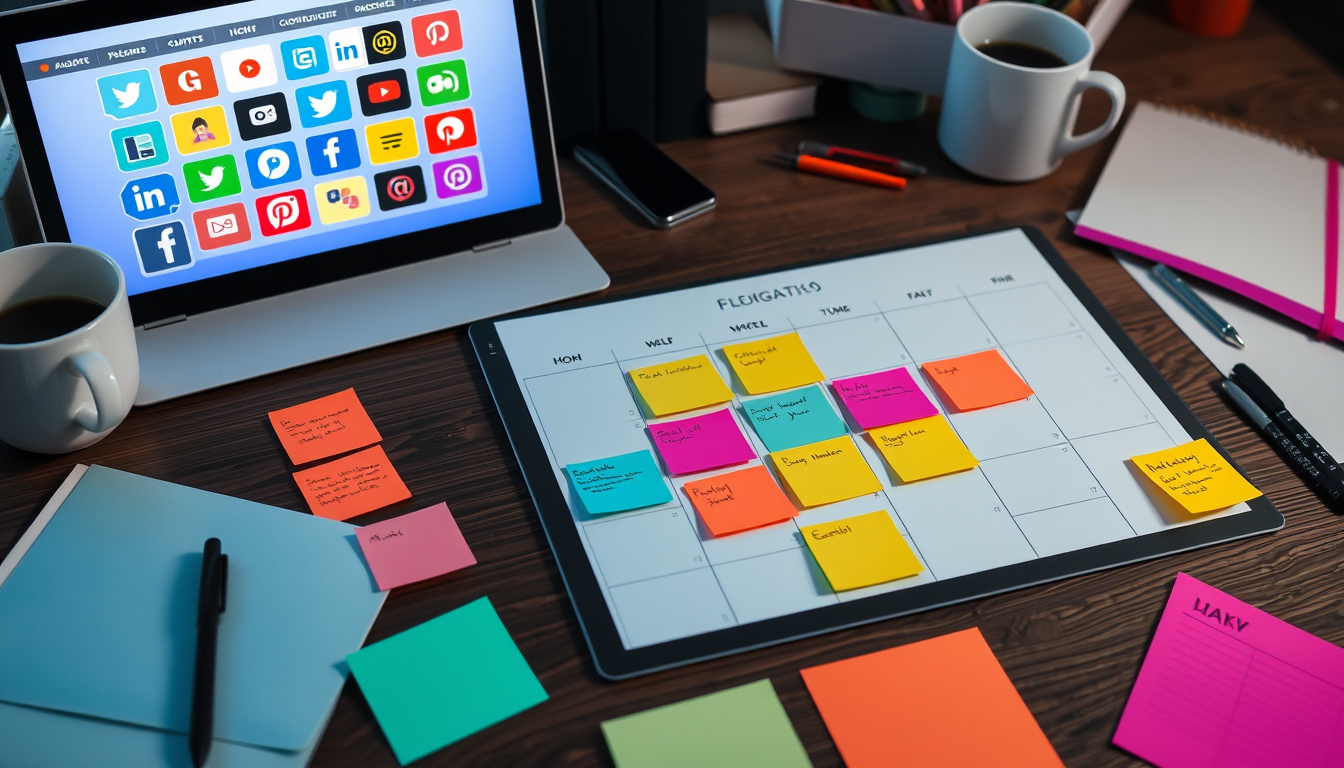
Meta description: Use ready-made social media calendar templates to guide your content plan. See which templates best suit your needs, learn to tweak them, and find tips for planning, scheduling, and tracking results.
Introduction
A steady, smart social media presence helps brands, creators, and marketers reach their goals. When a plan is missing, posts feel rushed and seem random. Social media calendar templates bring order. They turn guesswork into a clear, repeatable plan. You can post on time, meet business goals, and boost engagement while keeping your work steady.
Why Use Social Media Calendar Templates?
• Save time: Batch content creation and scheduling cuts daily stress.
• Keep a steady flow: Regular posts build trust and help you meet platform rules.
• Build a clear plan: Templates show your mix of posts, campaigns, and events.
• Work better as a team: Team members can assign tasks, approve posts, and check progress in one spot.
• Track and learn: Fields for data make checking results easy.
Essential Types of Social Media Calendar Templates
Different aims need various templates. Here are some options for your kit:
-
Monthly Overview Template
Purpose: Plan large campaigns, launches, holidays, and main themes.
Key fields: Date, campaign/theme, main message, platforms, progress.
Best for: CEOs, marketing managers, content planners. -
Weekly Content Template
Purpose: Plan details like captions, images, hashtags, and post times.
Key fields: Date/time, platform, post text, image, call-to-action, hashtags, link, owner, approval, progress.
Best for: Community managers and small teams running posts. -
Single-Post Template
Purpose: Use a checklist for each post to keep a steady style.
Key fields: Goal, audience, caption, image details, accessibility text, call-to-action, tracking link, scheduled time.
Best for: Freelancers and social media experts focused on clear quality. -
Campaign/Cohort Template
Purpose: Follow multi-post campaigns over platforms and days.
Key fields: Campaign name, start/end dates, target numbers, post order, budget, creative files, influencers, post results.
Best for: Product launches, promotions, and event campaigns. -
Evergreen/Repurposing Template
Purpose: Organize content you can use again or modify.
Key fields: Original post link, idea for reuse, new caption, updated file, new date.
Best for: Content-heavy creators and brands that get more from top posts. -
Editorial Calendar (Cross-Channel)
Purpose: Join blog posts, email, and social media on one plan.
Key fields: Content theme, publish date, channels, owner, link, schedule for sharing.
Best for: Content teams and agencies.
Sample Weekly Social Media Calendar Layout (Fields to Include)
• Date
• Day of Week
• Platform (Instagram, Facebook, LinkedIn, Twitter/X, TikTok, Pinterest)
• Content Type (Image, Video, Carousel, Story, Reel)
• Topic/Caption
• Visuals (file name or link)
• Hashtags & Mentions
• Call-to-Action / Link
• Post Status (Draft / Scheduled / Posted)
• Owner
• Notes (boosting, paid support)
• UTM / Tracking URL
• Performance (filled after posting)
How to Build and Customize Your Template
- Start with goals: Write what success means—brand awareness, leads, sales.
- Pick your platforms: Choose 1–3 channels where your audience is active.
- Define themes: Use 3–5 ideas like education, product, community, behind-the-scenes.
- Set a pace: Decide on a realistic posting rate from your resources and the norms.
- Create required fields: Add owner, progress, files, and tracking info.
- Add a check step: When working as a team, include steps for review and sign-off.
- Use tools to speed work: Connect your calendar to scheduling apps and file libraries.
Tools and Formats for Social Media Calendar Templates
• Simple spreadsheets: Google Sheets or Excel—flexible and shareable.
• Project boards: Trello or Asana—great for visual work and check steps.
• Databases: Airtable or Notion—good for linking content, files, and results.
• Scheduling apps: Buffer, Hootsuite, Later, Sprout Social—mix calendar with post scheduling.
Pick a tool that fits your team size, tech skills, and plan complexity.
Best Practices for Using Social Media Calendar Templates
• Create content in batches: Set aside time for ideas, writing, and files.
• Use content themes: Mix ideas like educational, inspirational, and sales posts.
• Plan posts for key seasons: Arrange campaigns 4–6 weeks ahead.
• Use top posts again: Turn posts into videos, slides, or blogs.
• Add extra text: Put in alt text and captions for videos to reach more people.
• Track and adjust: Update templates with new results and shift posting times or styles.
Metrics to Include and Monitor
To see how you do, add areas for data:
• Reach and impressions
• Engagement (likes, comments, shares)
• Engagement rate (%) per post
• Clicks and link clicks
• Conversions or leads
• Cost per paid result
Common Mistakes to Avoid
• Making templates too busy: Keep only the needed fields to prevent extra work.
• Skipping data reviews: Use results to fine-tune your posts and timing.
• Posting without a goal: Each post must fit a step in your plan.
• Forgetting file sizes: Check that images meet the rules for each platform.
Quick Template Checklist Before Publishing
• Does the post match a theme and a campaign?
• Does it have a clear call-to-action and tracking link?
• Are images sized correctly for the platform?
• Do captions, tags, and alt text exist?
• Has a team member checked and scheduled the post with the right time zone?
Conclusion
Social media calendar templates form the base of a steady, smart content plan. Whether you choose a Google Sheet, a Notion file, or a scheduling app with a built-in calendar, a good template saves time, builds engagement, and creates a path to your social goals.
Want a ready-made starter pack?
I can make a weekly and monthly social media calendar template that fits your field and platforms. Tell me which channels you use and how often you post. I will then prepare templates you can use in Google Sheets or Notion.
Try this workflow, Writer-Link AI and Write Easy provide smart outputs with a natural voice. Get started with a free plan at
https://writerlinkai.com or explore the features at
https://www.writeeasy.co.uk today.