Meta title: Get Excited: Engaging Countdown Posts to Build Anticipation for Your Event
Meta description: Learn how countdown posts can boost excitement and drive event sign-ups. Follow a step-by-step posting standard, use creative formats, clear visuals, strong CTAs, and solid metrics.
INTRODUCTION
Countdown posts build event momentum. They spark interest by pairing event details with time limits. They work for product launches, webinars, conferences, or shows. Good countdown posts press urgency and guide keen audiences to sign up. In this guide, we look at why posts count, when posts suit best, creative ideas, best practices on platforms, and key numbers that show progress.
WHY COUNTDOWN POSTS WORK
• Posts point out time limits. The clock shows that time or seats run low and makes viewers act fast.
• Posts keep your event in sight. Regular updates help remind audiences about the event.
• Posts invite likes and shares. Formats such as polls, questions, or countdown stickers call for quick reactions.
• Posts build clear stories. Daily or weekly updates let you show new details, speakers, or perks each day.
TIMING: WHEN TO START YOUR COUNTDOWN
• Big conferences or launches: Start 6–8 weeks before. Post once a week, then post every day in the last week.
• Medium events or ticketed shows: Begin 2–4 weeks ahead, then move from 3–4 posts weekly to daily posts in the final week.
• Short lead events (webinars, pop-ups): Start 7–10 days early and post each day with steady energy.
• Sales or promotions: Use a countdown period of 10–21 days with a mix of hints and full reveals.
PLATFORM STRATEGY
• Instagram (Feed, Stories, Reels): Use countdown stickers in Stories; post dynamic Reels to pump energy; use feed images with clear numbers.
• TikTok: Create short, punchy videos with trending sounds and tags to boost the countdown.
• Facebook: Build event pages and share countdown posts. Use clear graphics and consider boosting key posts.
• LinkedIn: For B2B events, post clear countdown messages that share speaker details, the agenda, and networking perks.
• X (Twitter): Share short updates with links to sign-up pages. Use multi-day threads to spread the word.
• Email: Use subject lines that say “X days to go” with simple CTAs and one-click sign-up links.
• Website/Landing page: Show a clear countdown timer and add last-call text to boost sign-ups.
CREATIVE FORMATS & CONTENT IDEAS
• Use a themed visual series. Keep the same colors and fonts as you count down (10, 9, 8…).
• Show behind-the-scenes shots. Let audiences see speaker prep, venue setup, product models, or rehearsals.
• Highlight features. Each day, show a speaker, a key agenda detail, a sponsor, or a prize.
• Make interactive Stories. Use polls, quiz stickers, and the countdown sticker to set reminders.
• Share user content. Repost past attendee comments, past event photos, or fan art.
• Post video teasers. Use short clips that build energy as the event nears.
• Host live mini-sessions. Use live Q&A or sneak previews in the final countdown days.
SAMPLE 7-DAY COUNTDOWN CADENCE
Day 7: Use a bold image, remind people, and include a registration link. CTA: “Save your seat.”
Day 6: Highlight a speaker or show a product. CTA: “Meet [Name] — sign up now.”
Day 5: Share a comment from past guests. CTA: “See why many loved it.”
Day 4: Show behind-the-scenes shots. CTA: “See inside — come along.”
Day 3: Post a FAQ that touches on plans and benefits. CTA: “Ask your questions below.”
Day 2: Remind about a special deal (discount code or VIP spot). CTA: “Use code: COUNT2”
Day 1: Push the final call with a countdown timer. CTA: “Last chance — register now.”
CAPTION & COPY TEMPLATES (Ready-to-use)
• “7 days to go! Ready for [Event Name]? Save your spot here: [link] #CountdownPosts”
• “Only 48 hours left — do not miss [key benefit]. Grab your ticket: [link]”
• “Meet our speaker: [Name]. Only 3 days until [Event Name] — save your seat today.”
• “Countdown: 5. Giveaway time! Comment to join — winner announced on the event day.”
• “Last reminder: Doors open tomorrow. Here’s what to expect: [short bullets]”
VISUAL TIPS
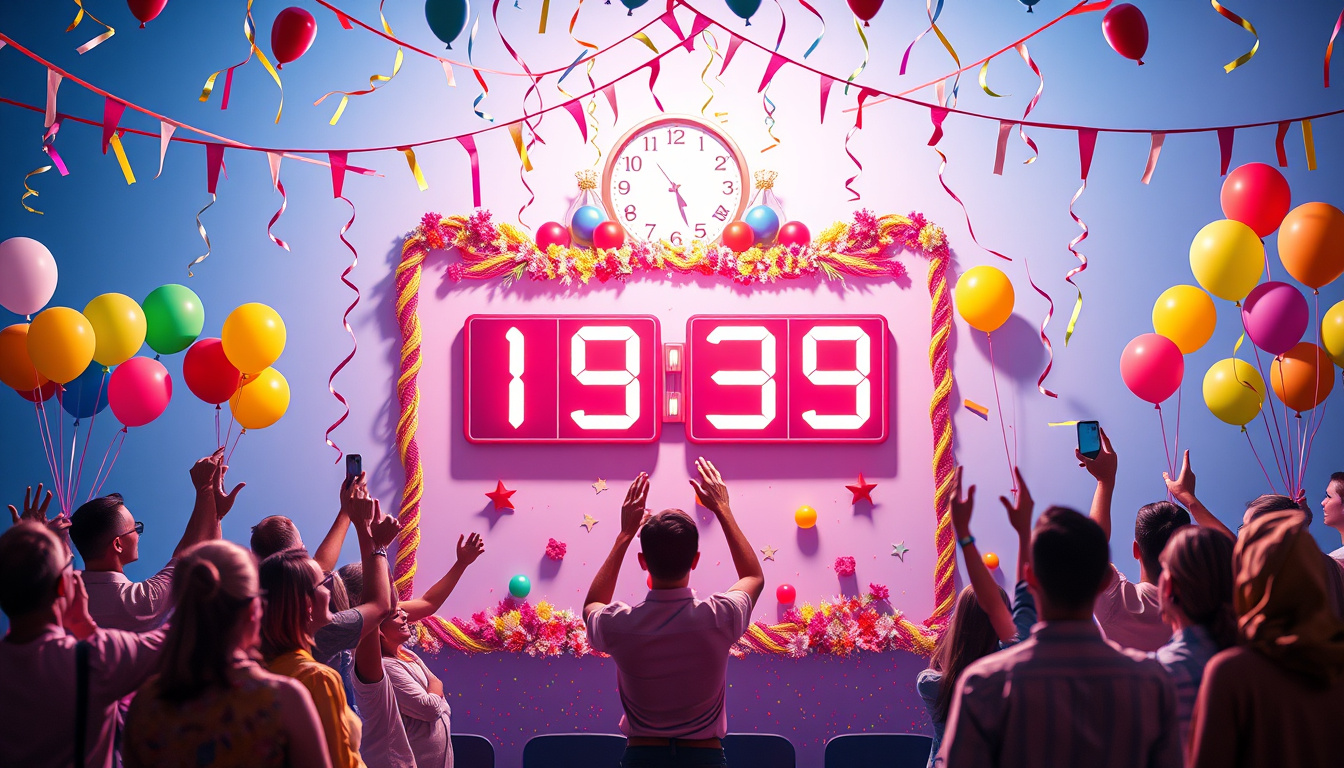
• Use bold, clear numbers for the countdown that match your brand colors.
• Show movement. Use GIFs or short videos to grab attention in feeds.
• Keep the style steady but mix up layouts so the look does not become dull.
• Add a direct CTA on the image (e.g., “Register,” “Set Reminder”).
• Use the right ratios per platform (vertical for Stories, square for Instagram feed).
ENGAGEMENT & PROMOTIONAL TACTICS
• Give special deals during the countdown (like early-bird pricing or VIP spots).
• Run a mini contest: Ask people to share a post, tag friends, and win free tickets.
• Work with trusted influencers who can share the countdown with their own style.
• Use paid posts on key countdown days to reach beyond your current crowd.
MEASURING SUCCESS (KPIs)
• Look at Reach and Impressions. Count how many see your countdown posts.
• Watch the Engagement Rate. Track likes, comments, shares, saves, and sticker taps.
• Check the Click-through Rate (CTR) to see how often people click the registration link.
• Count the Conversion Rate. Note registrations or ticket sales from countdown posts.
• Track Reminder Activations. See how many use the story countdown sticker.
• Measure Cost per Registration when you use paid posts.
A/B TEST IDEAS
• Test a still image against a video with the same number.
• Compare messages that push urgency (“Last chance”) with messages that stress value (“See what you will learn”).
• Try posting at different times to find when your audience reacts best.
COMMON MISTAKES TO AVOID
• Start too soon or too late. Begin early enough to build interest but not so early that people forget.
• Post the same content repeatedly. Mix up visuals and text to keep pages fresh.
• Use vague CTAs. Every post must tell viewers the next step (sign up, set a reminder, or share).
• Skip mobile fixes. Check that images and links load fast on phones.
CONCLUSION & NEXT STEPS
Countdown posts build buzz and build up sign-ups for your event. Pick a clear plan, mix images and clips, use interactive features, and track the results. Try a 7-day plan for your next event using the ideas above. Check your CTR and sign-ups, and then adjust your plan to what works best.
If you want, I can design a 14-day or 30-day countdown calendar that fits your event. I would add post text, visual tips, and the best times to post.
Try this workflow, Writer-Link AI and Write Easy provide smart outputs with a natural voice. Get started with a free plan at
https://writerlinkai.com or explore the features at
https://www.writeeasy.co.uk today.