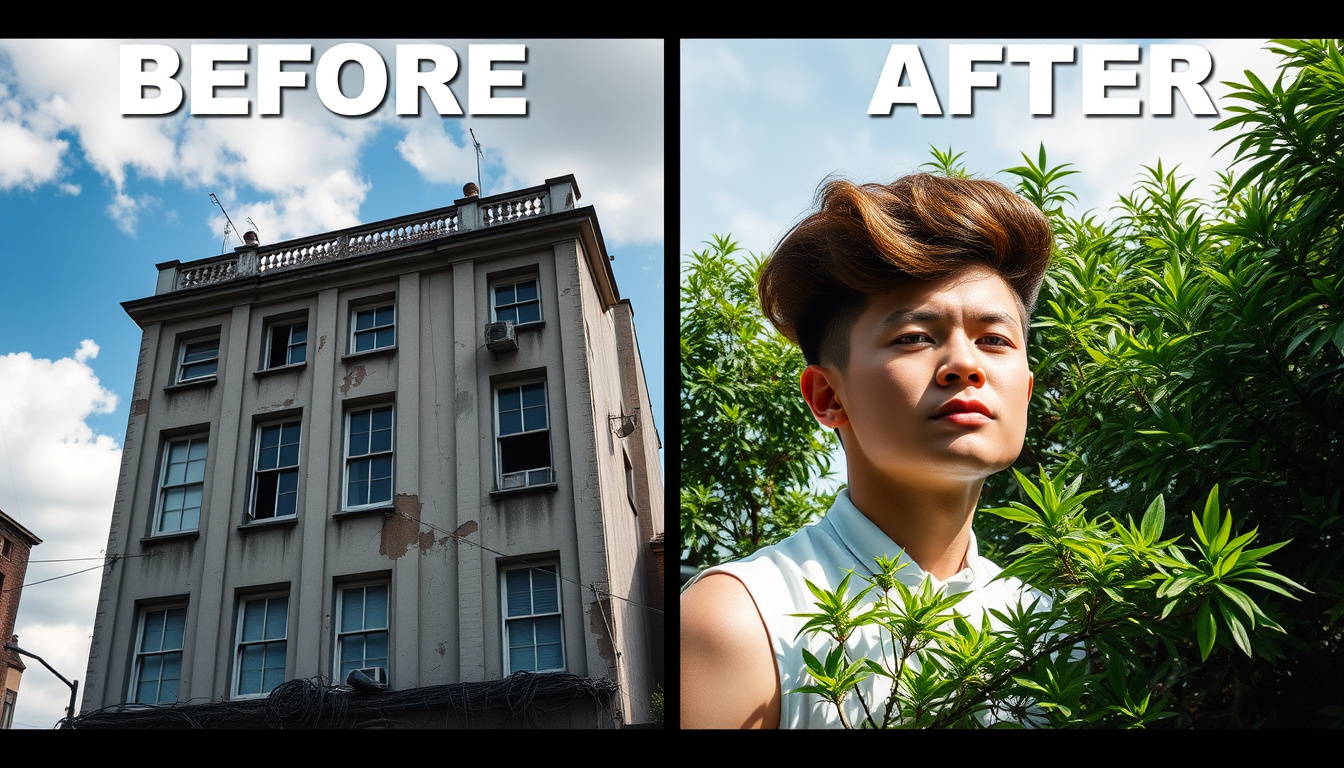
Meta description: Explore striking before and after comparisons that show clear transformations. Learn to capture, judge, and share true comparisons while using SEO and image tips for online impact.
Before and after comparisons hold strong web appeal. They show change, reveal a story, and give clear proof of progress. You might see a home change, a garden rescue, a fitness journey, or a product demo. This article shows why these images work, how to create true before and after images, and how to set them up for broad reach and trust.
Why before and after comparisons work
- Instant narrative: Two close images tell a full story in seconds. They show the old side and the new side.
- Emotional impact: Watching change brings surprise, care, and trust. That feeling pushes shares and clicks.
- Social proof: Such images show real results and build trust for brands and experts.
Popular categories of transformations
- Home and interior design: Renovating rooms, cleaning up spaces, staging areas, and fixing gardens.
- Beauty and wellness: Makeup shifts, skincare changes, hair updates, and simple treatments.
- Fitness and weight loss: Body changes and strength steps (handle with care).
- Photo editing and repair: Adjusting colors, smoothing details, and restoring old photos.
- Product and service demos: New packaging, cleaning tests, and DIY fixes.
- Automotive and furniture: Car repairs, detailed cleaning, and finish work.
How to create true before and after comparisons
-
Keep the setup steady
- Same angle and view: Place the camera in one spot for every shot.
- Similar light: Use natural or set light to keep shadows and colors fair.
- Same scene: Leave the background in place to add trust.
-
Use time marks and records
- Date-stamp photos (or keep file info) and note key moments or parts used.
- Write a short caption that shows time passed and describes what was done.
-
Avoid false changes
- Do not use too many filters or editing tricks that give a fake result. If you change a photo, mention what you did.
- Use step-by-step shots for long projects (weekly or monthly updates) instead of one big jump.
-
Show changes that help viewers compare
- Side-by-side images work well.
- Sliders (interactive before and after sliders) add interest by letting viewers compare images.
- Timelapse videos work well for projects that develop over time (like garden growth or home work).
SEO and sharing tips for before and after comparisons
- Use keywords simply: Place "before and after comparisons" in your title, first line, headings, and image texts.
- Write a short meta description: Sum up the change and use the key phrase to bring clicks.
- Adjust image file names and texts: Use clear names (for example, kitchen-renovation-before-after.jpg) and simple image texts like "Before and after view of a kitchen update."
- Shrink files and use responsive images: Use modern formats (WebP) and the proper srcset to speed pages and fit mobile screens.
- Add data markup when it fits: Use Schema.org to help search sites know your images and copy.
- Share on visual sites: Instagram posts, Pinterest boards, YouTube timelapse clips, and blog galleries work well for showing change.
Ethical and legal notes
- Get clear permission: Ask before using photos of people—especially for health, beauty, or fitness changes.
- Note paid work: If a product or service is sponsored, add a clear note.
- Be clear about results: Do not state unchecked health or outcome ideas. Use phrasing like "results may vary" when needed.
Practical checklist before adding text online
- Check that images are real and that file data is intact.
- Add captions that detail the time span and parts used.
- Include a call to action (CTA): "See the full project," "Book a consultation," or "Share your change."
- Test page speed and mobile design.
- Tag and sort the copy for easier finding on your site.
Examples of good captions
- "Before and after comparisons: 6-week backyard fix with a new deck, native plants, and outdoor lights."
- "From old to new: Before and after comparisons of a full kitchen change with new cabinets and a fresh layout."
- "Real work, real change: Before and after comparisons of a 12-week strength plan (results may vary)."
Measuring success
Watch these numbers to see how your images connect:
- Engagement: likes, comments, and shares.
- Time spent on the page and scroll depth for galleries.
- Click and action rates (calls, messages, sign-ups).
- Visits from social platforms.
Conclusion
Before and after comparisons create strong visual stories when used honestly and set up with care. They turn vague ideas into clear results, build trust with viewers, and push clicks across sites. Follow simple steps—keeping shots steady, using clear edits, adding proper notes, and writing SEO-friendly copy—to produce images that look great and work online.
Want to show your work? Share a photo or explain your project, and I will help you pick the best style and caption for your before and after comparisons.
Try this workflow, Writer-Link AI and Write Easy provide smart outputs with a natural voice. Get started with a free plan at
https://writerlinkai.com or explore the features at
https://www.writeeasy.co.uk today.